Custom UITextField based on Extendy framework functionality.


- iOS 12.0+
StringifyTextField is available through CocoaPods. To install it, simply add the following line to your Podfile:
pod 'StringifyTextField', '~> 1.2'import StringifyTextField
//Connect IBOutlet
@IBOutlet var stringifyTextField: StringifyTextField!
//Create programmatically
let manualTextField = StringifyTextField(type: .amount)
manualTextField.frame = CGRect(x: 20, y: 100, width: 200, height: 40)StringifyTextField is a textfield that can format entered string with 4 available formats.
Available formats:
public enum TextType: UInt {
  case amount = 0
  case creditCard = 1
  case IBAN = 2
  case expDate = 3
}You can specify currency mark for .amount text type

Set up maximum integer digits (if your amount contains integer and fraction parts).
stringifyTextField.maxIntegerDigits = 6If your amount doesn't contain a fraction part, you can disable decimal through Interface Builder or programmatically.
stringifyTextField.decimal = false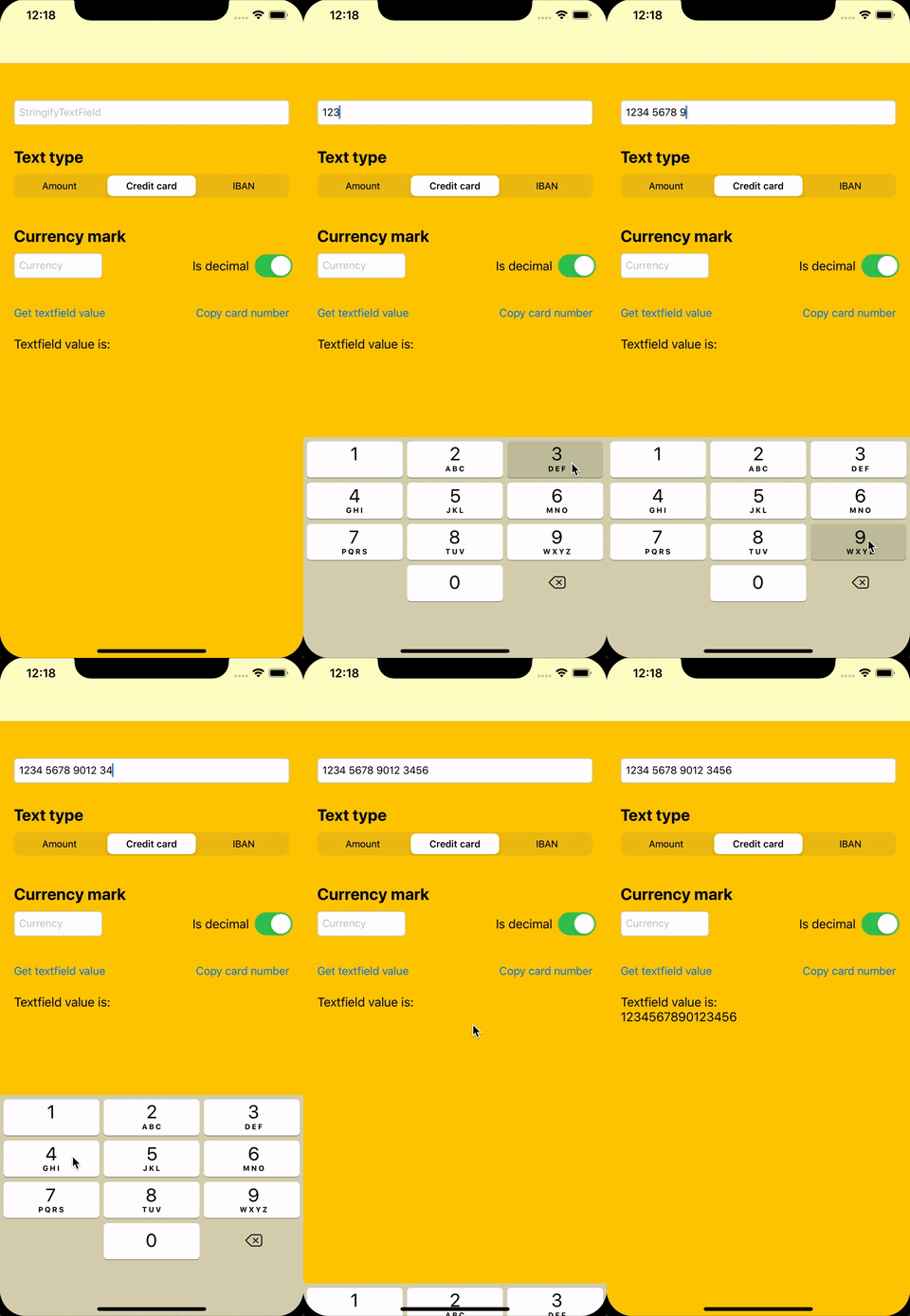
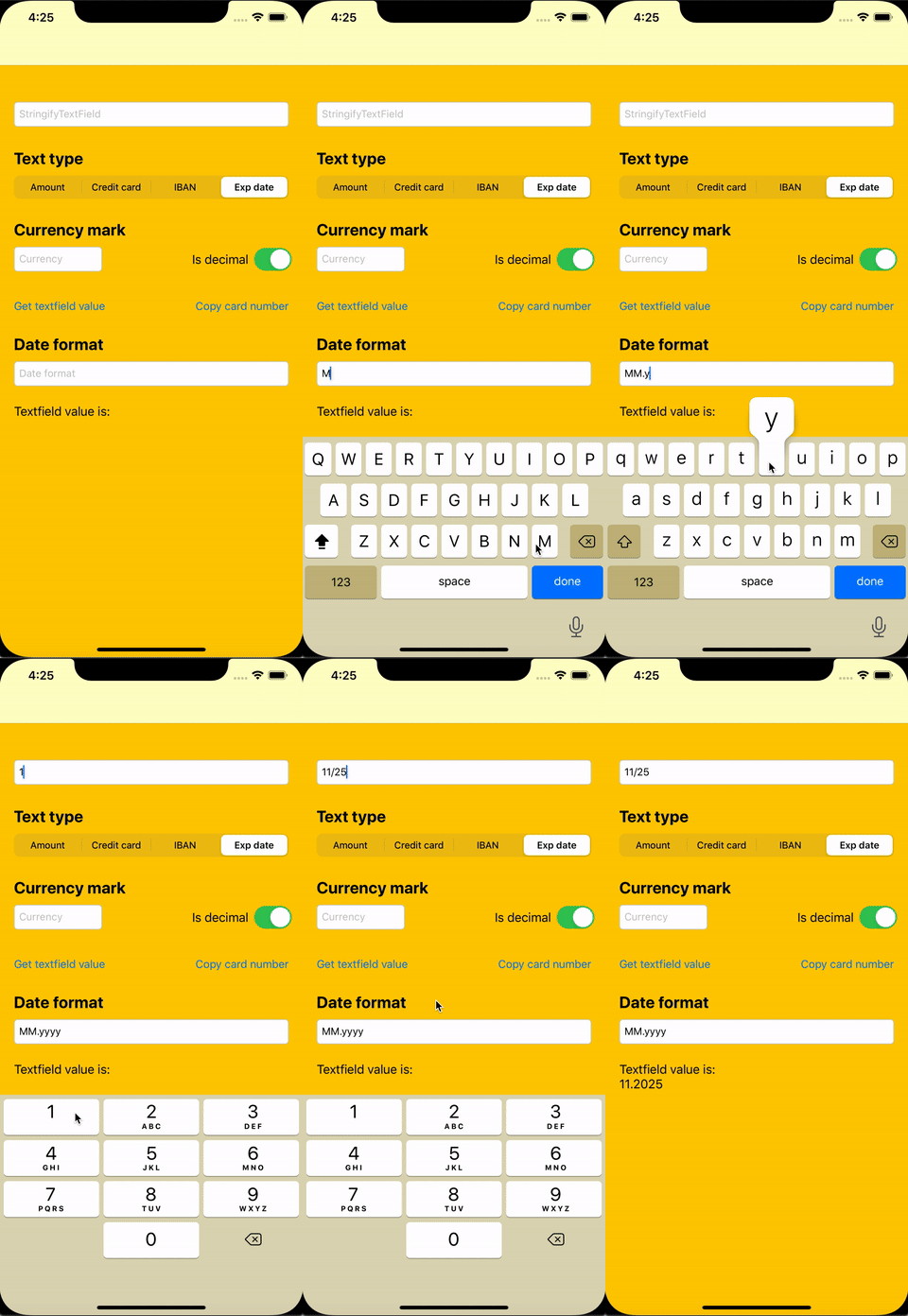
You can specify date format to get the required "clean" value
stringifyTextField.dateFormat = "MM.yyyy"You can get plain value from StringifyTextField, e.g for .expDate format it will be the value with the specific date format applied.
let expDate = stringifyTextField.plainValueStringifyTextField supports three different styles:
public enum Style {
    case line
    case border(cornerRadius: CGFloat)
    case native(borderStyle: UITextField.BorderStyle)
}
You can add bottom line display in StringifyTextField with .line style
stringifyTextField.style = .line
stringifyTextField.lineColorDefault = UIColor.black
stringifyTextField.lineColorActive = UIColor.blue
or use bordered style:
stringifyTextField.style = .border(cornerRadius: 8)
stringifyTextField.borderColorDefault = UIColor.lightGray
stringifyTextField.borderColorActive = UIColor.blue
and enable floating placeholder display:
stringifyTextField.floatingPlaceholder = true
stringifyTextField.floatingPlaceholderColor = UIColor.black
stringifyTextField.floatingPlaceholderActiveColor = UIColor.blue
Display error state with temporary highlight:
// Show error for default duration (1 second)
stringifyTextField.showError()

// Show error for custom duration
stringifyTextField.showError(for: 5.0)

// Hide error manually
stringifyTextField.hideError()You can see other features in the example project.
StringifyTextField is available under the MIT license. See the LICENSE file for more info.