Google firebase firestore utility cli to export collections data.


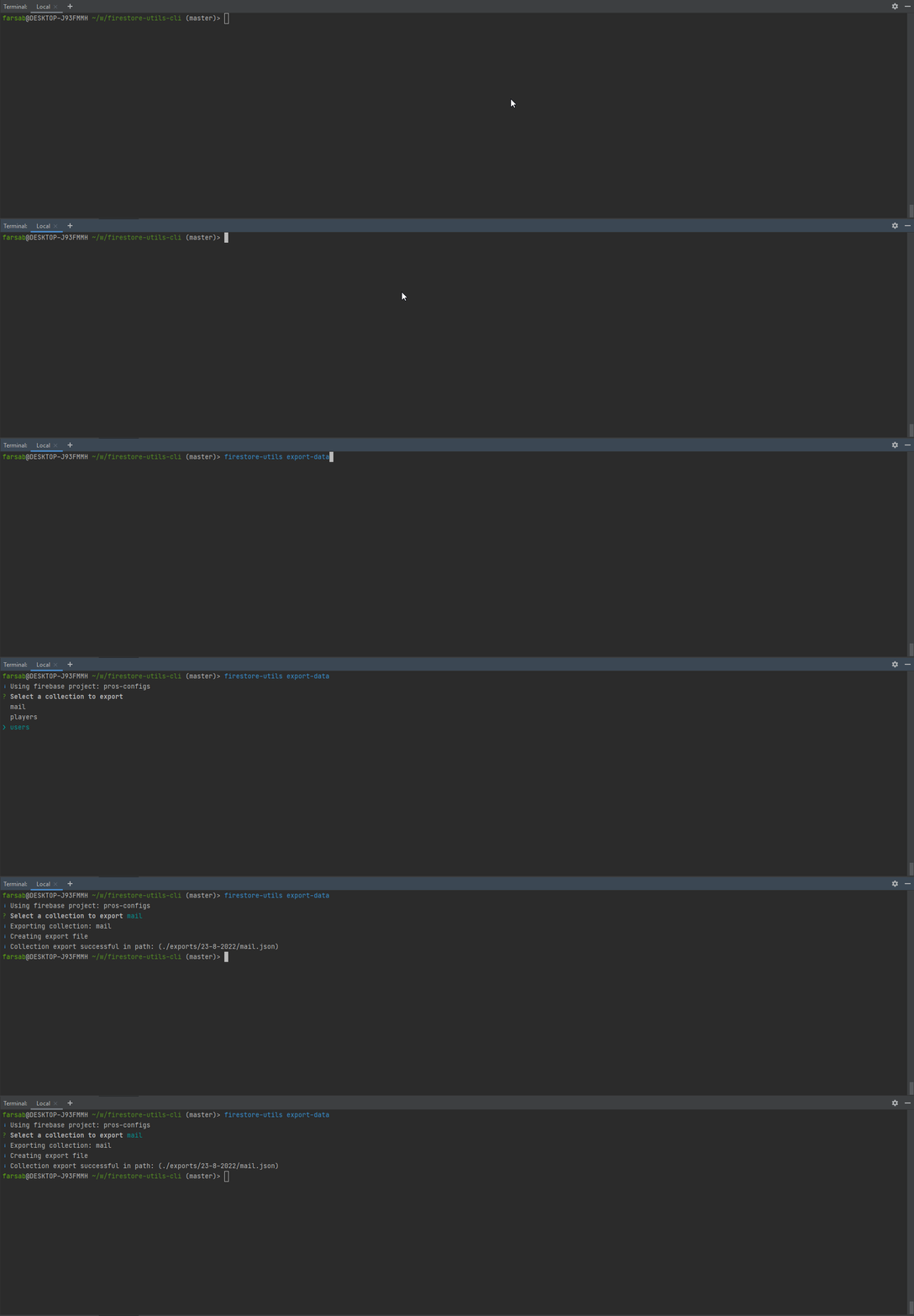
- Install package by running
npm install -g firestore-utils-cli - Inside any folder create a
firebase-credentials.jsonfile - Configure firebase credentials and firebase database URL in the file created in the last step. Your config should look like this:
{
  "firebaseCredentials": {
    "type": "service_account",
    "project_id": "YOUR_PROJECT_ID",
    "private_key_id": "YOUR_PRIVATE_KEY_ID",
    "private_key": "YOUR_PRIVATE_KEY",
    "client_email": "YOUR_CLIENT_EMAIL",
    "client_id": "YOUR_CLIENT_ID",
    "auth_uri": "https://accounts.google.com/o/oauth2/auth",
    "token_uri": "https://oauth2.googleapis.com/token",
    "auth_provider_x509_cert_url": "https://www.googleapis.com/oauth2/v1/certs",
    "client_x509_cert_url": "YOUR_CLIENT_x509_CERT_URL"
  },
  "firestoreDatabaseUrl": "YOUR_DATABASE_URL"
}
- Follow Google's documentation to get your service account credentials: Generate a private key file for your service account
- Execute
firestore-utils export-datato have an interactive CLI menu to export your firestore collections - Once exported successfully, the exported firebase collections will be listed under
exportsfolder
Please note that exporting firestore data means you will be performing reads on your firestore database, and you may get charged for it especially when you have a large amount of data in your collections!