Feature: Add Mambo-G Guidance as Guider #12862
Conversation


|
hey @MatrixTeam-AI |
|
Okay, we are trying to implement Mambo-G in Guider format and test with Modular Pipeline. All previous changes to Qwen-Image pipelines will be reverted. |
|
Hey @yiyixuxu , we have changed the implementation of Mambo-G into Guider and reverted all changes to Qwen-Image pipelines. Here is an example testing code: Codeimport torch
from diffusers.modular_pipelines import SequentialPipelineBlocks
from diffusers.modular_pipelines.qwenimage import TEXT2IMAGE_BLOCKS
from diffusers.guiders import MagnitudeAwareGuidance, ClassifierFreeGuidance
blocks = SequentialPipelineBlocks.from_blocks_dict(TEXT2IMAGE_BLOCKS)
modular_repo_id = "YiYiXu/QwenImage-modular"
pipeline = blocks.init_pipeline(modular_repo_id)
pipeline.load_components(torch_dtype=torch.bfloat16)
pipeline.to("cuda")
prompt = "a comic potrait of a female necromancer with big and cute eyes, fine - face, realistic shaded perfect face, fine details. night setting. very anime style. realistic shaded lighting poster by ilya kuvshinov katsuhiro, magali villeneuve, artgerm, jeremy lipkin and michael garmash, rob rey and kentaro miura style, trending on art station"
width, height = 1328, 1328
num_inference_steps = 10
# num_inference_steps = 30
seed = 1
guider = ClassifierFreeGuidance(guidance_scale=4.0)
pipeline.update_components(guider=guider)
image = pipeline(prompt=prompt, width=width, height=height, output="images", num_inference_steps=num_inference_steps, generator=torch.Generator("cuda").manual_seed(seed))[0]
image.save(f"t2v_original_{num_inference_steps}_steps.png")
guider = MagnitudeAwareGuidance(guidance_scale=10.0, alpha=8.0, guidance_rescale=1.0)
pipeline.update_components(guider=guider)
image = pipeline(prompt=prompt, width=width, height=height, output="images", num_inference_steps=num_inference_steps, generator=torch.Generator("cuda").manual_seed(seed))[0]
image.save(f"t2v_mambo_{num_inference_steps}_steps.png")
Test Results: Prompt 1
Prompt 2
Prompt 3
Mambo-G can achieve astonishing 3x inference speed-up with only changes in classifier-free-guidance setting, which is widely applicable and compatible with many Flow-Matching based generation models like Qwen-Image, Stable Diffusion 3.5, Lumina and even video generation models like Wan 2.1 & Wan 2.2. |






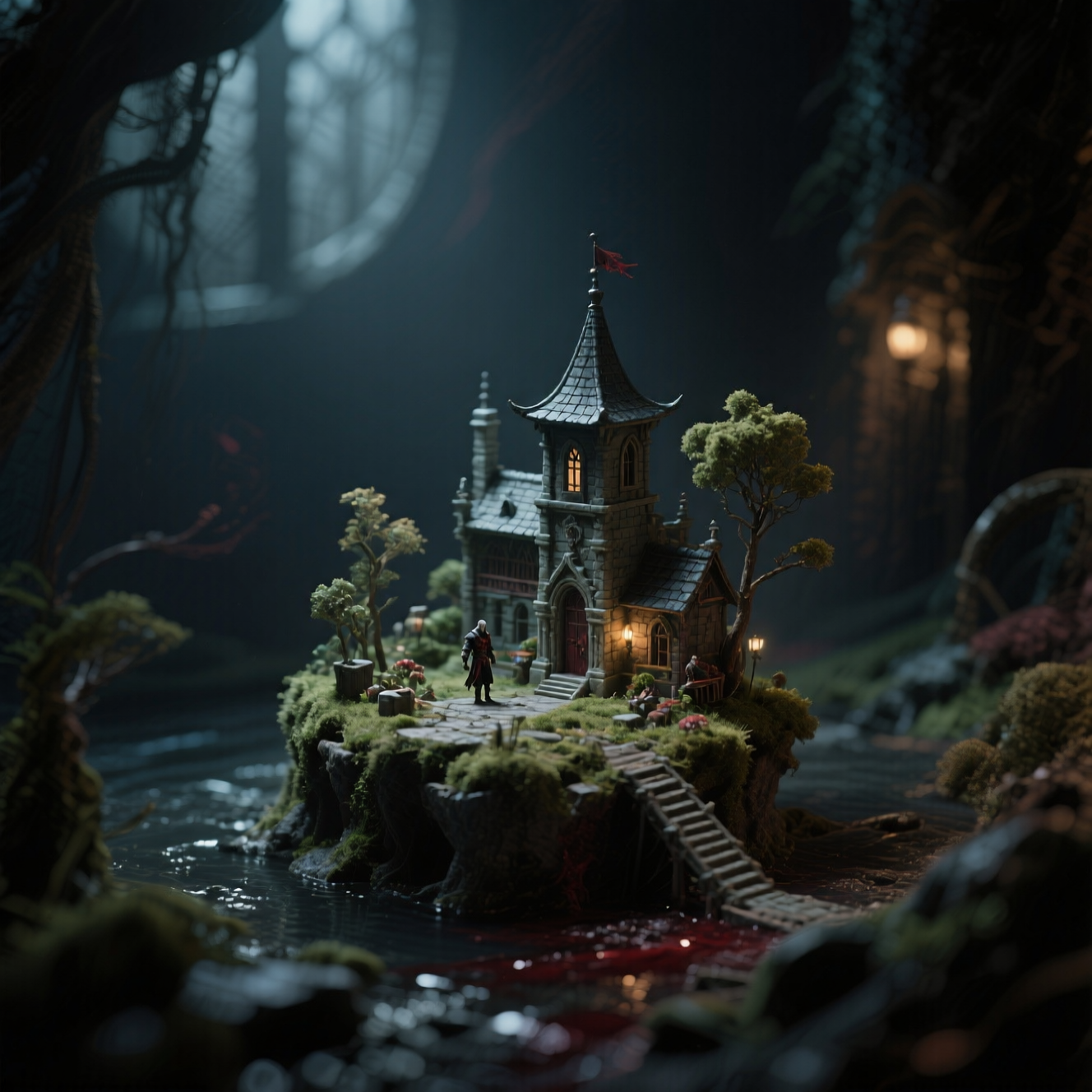

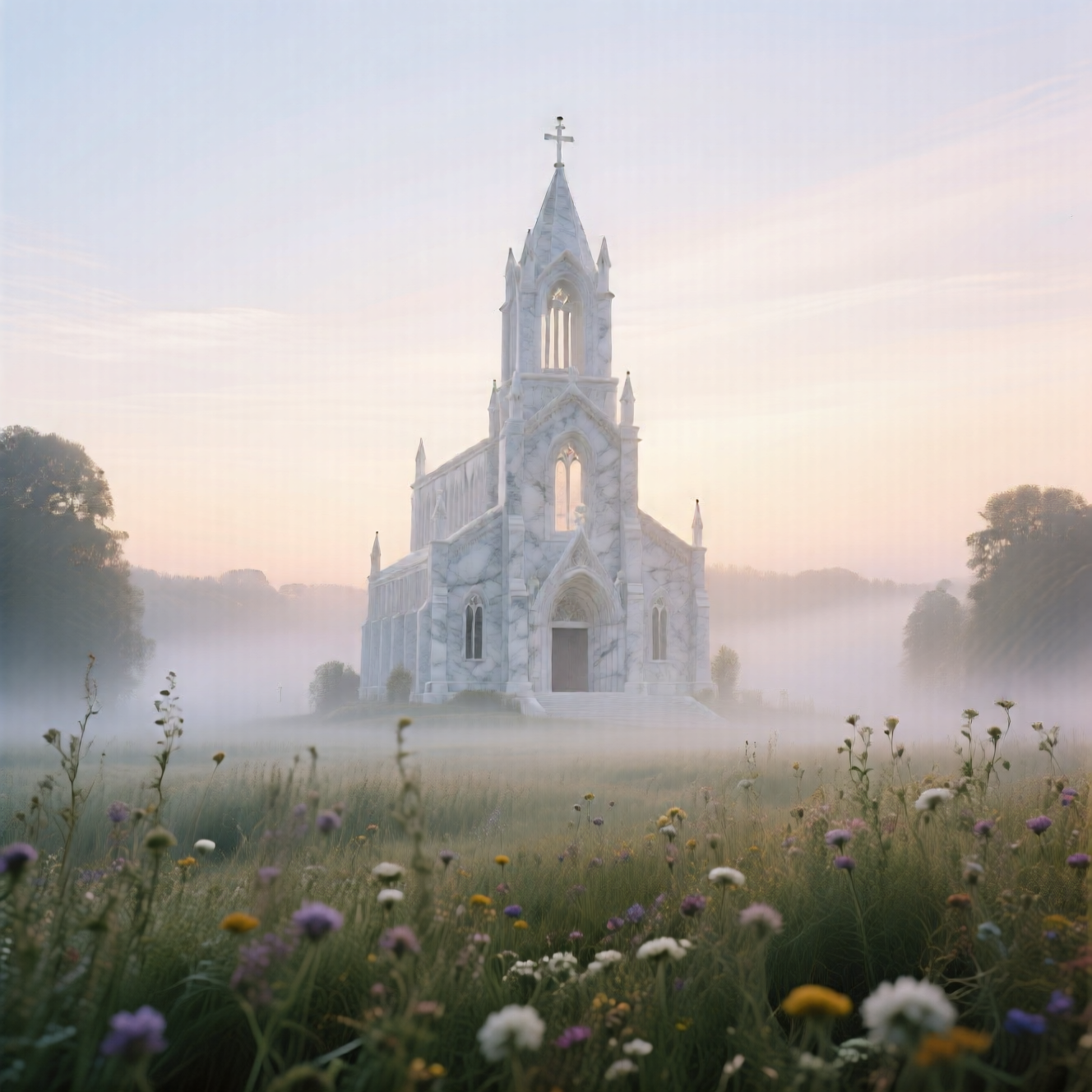
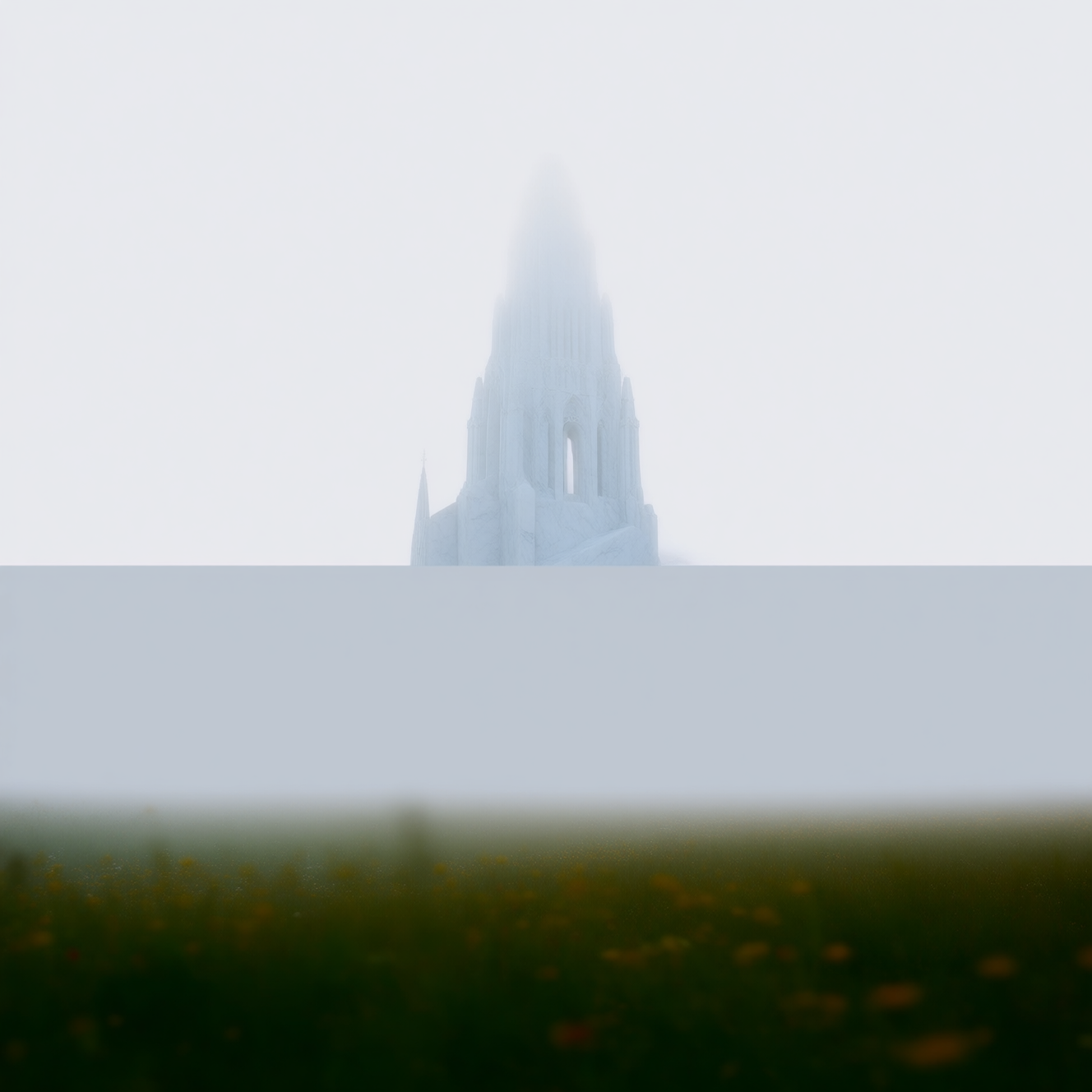
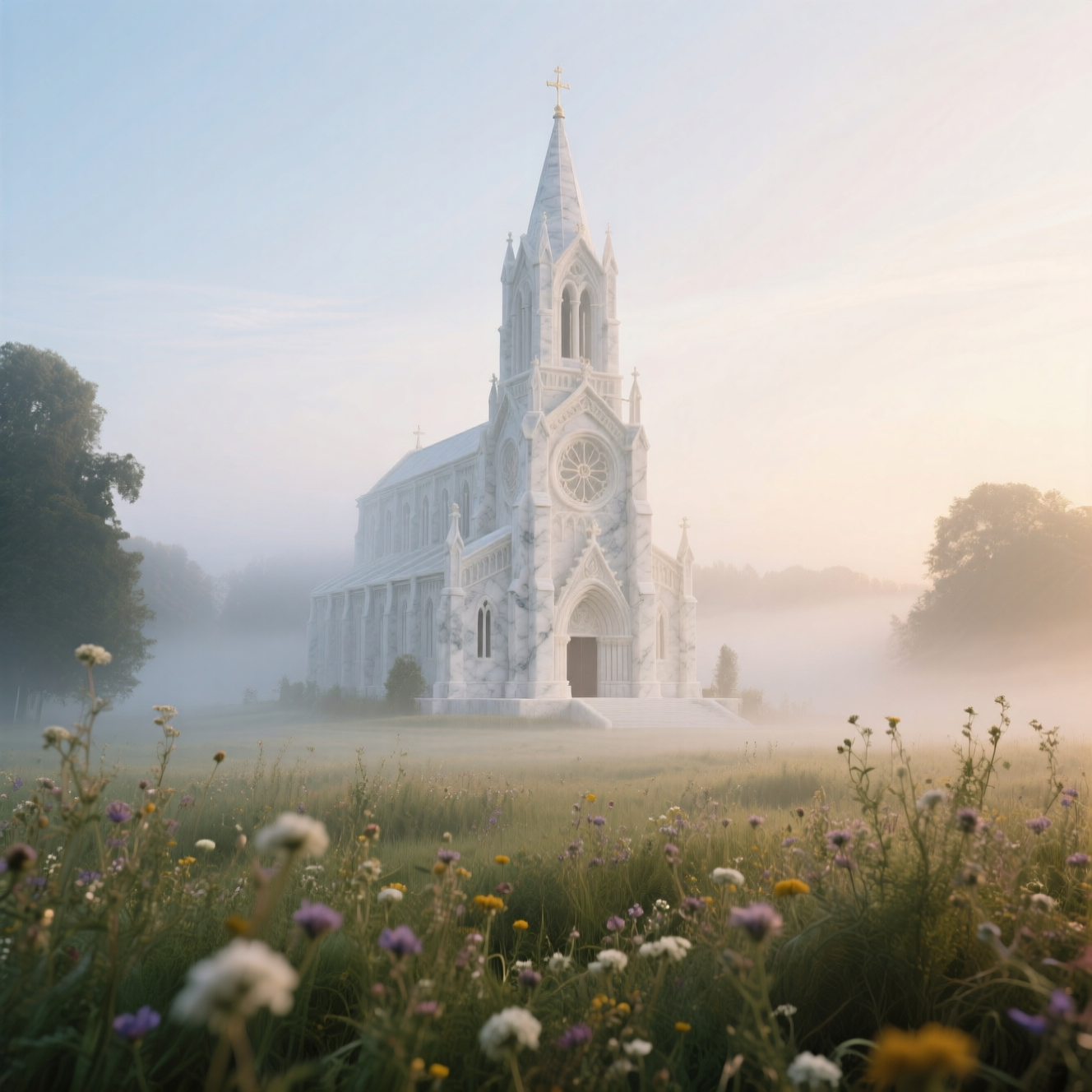
 MatrixTeam-AI
changed the title
MatrixTeam-AI
changed the title
|
cc @asomoza here too !! |
|
@bot/ style |
|
@bot /style |

|
Style fix is beginning .... View the workflow run here. |

|
The docs for this PR live here. All of your documentation changes will be reflected on that endpoint. The docs are available until 30 days after the last update. |


|
@bot /style |
|
Style bot fixed some files and pushed the changes. |


3 participants


What does this PR do?
We add an additional Classifier-Free-Guidance Method (namely the Mambo-G (paper: https://arxiv.org/pdf/2508.03442, the name of preprint will be updated soon)) for the Qwen-Image Piplines, including:
QwenImagePipelineQwenImageControlNetInpaintPipelineQwenImageControlNetPipelineQwenImageEditInpaintPipelineQwenImageEditPlusPipelineQwenImageEditPipelineQwenImageImg2ImgPipelineQwenImageInpaintPipelineOn these pipelines, Mambo-G can achieve nearly same image quality in 10 steps of inference (compared with the originally 30-50 steps of inference), which significantly boosts the generation speed to approximately 3x times.
Examples of generation results and code snippets can be found at http://localhost:4321/MatrixTeam-OmniVeritas/blog/mambo-g .
Before submitting
documentation guidelines, and
here are tips on formatting docstrings.
Who can review?
Anyone in the community is free to review the PR once the tests have passed. Feel free to tag
members/contributors who may be interested in your PR.